
README.md 3.1 KB
Nginx UI
Yet another Nginx Web UI
Version: 1.2.0
Features
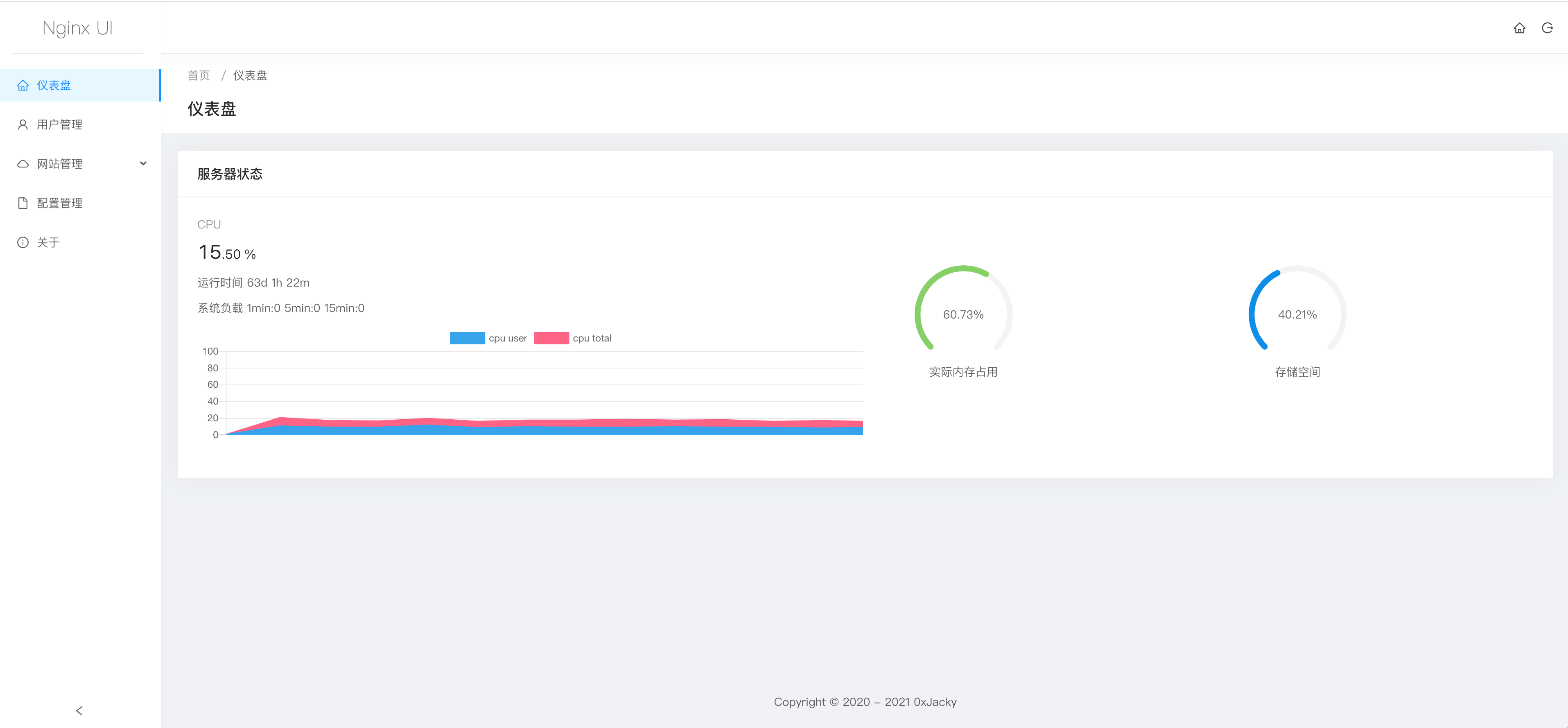
- Online view of server CPU, Memory, Load Average, Disk Usage and other indicators.
- One-click deployment and automatic renewal Let's Encrypt certificates.
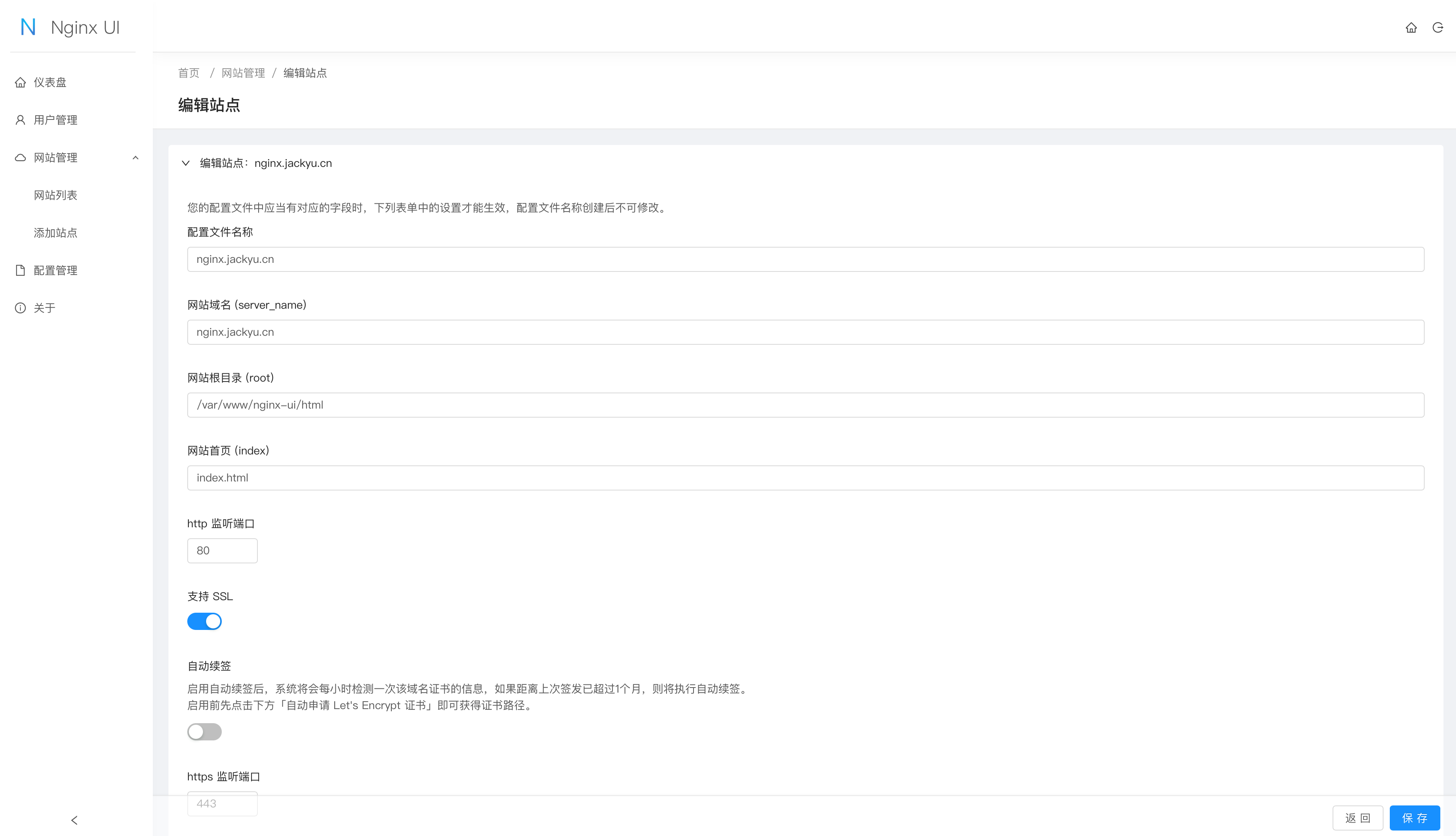
- Online editing websites configuration files, online editor support highlight nginx configuration syntax.
- Written in Go and Vue, distribution is a single executable binary.
- Support English and Simplified Chinese.
Screenshots
Dashboard
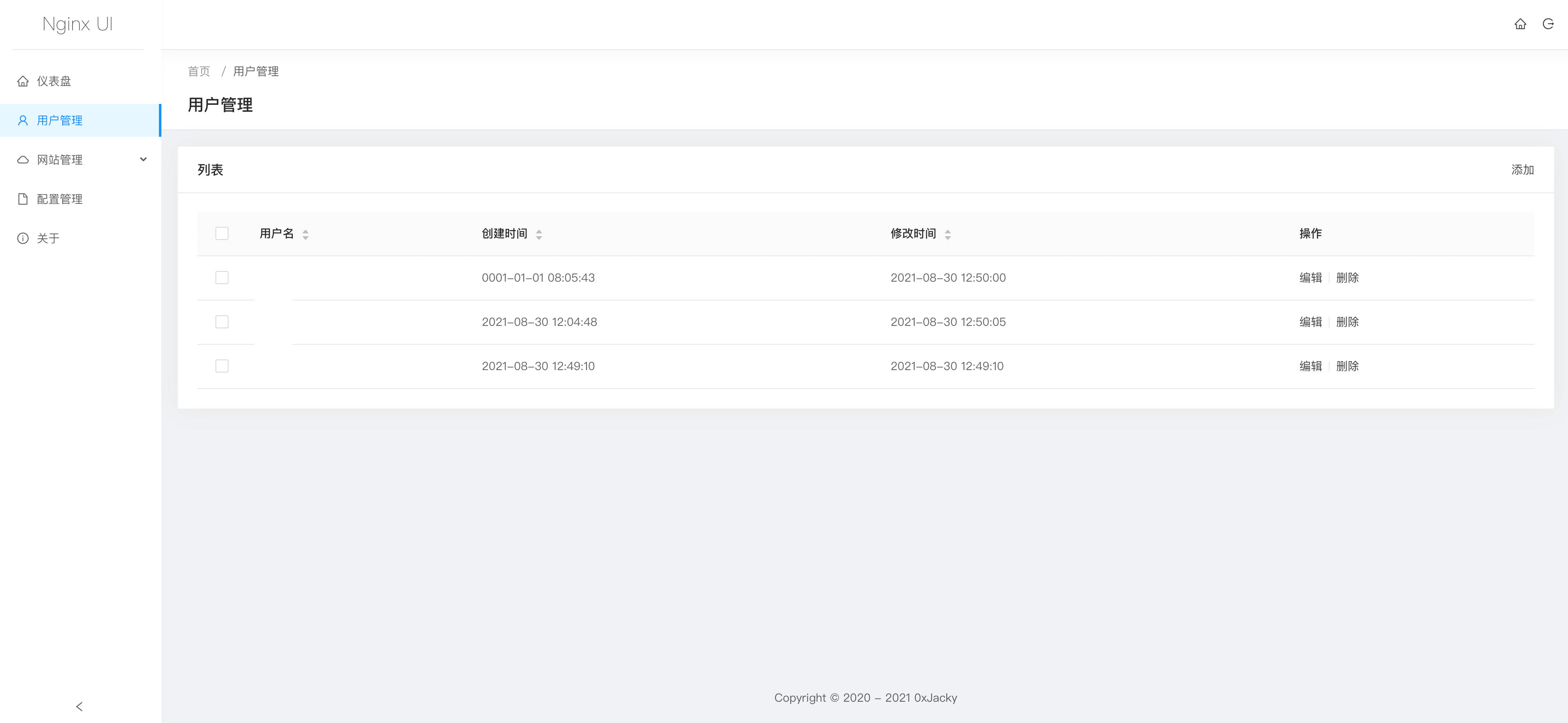
Users Management
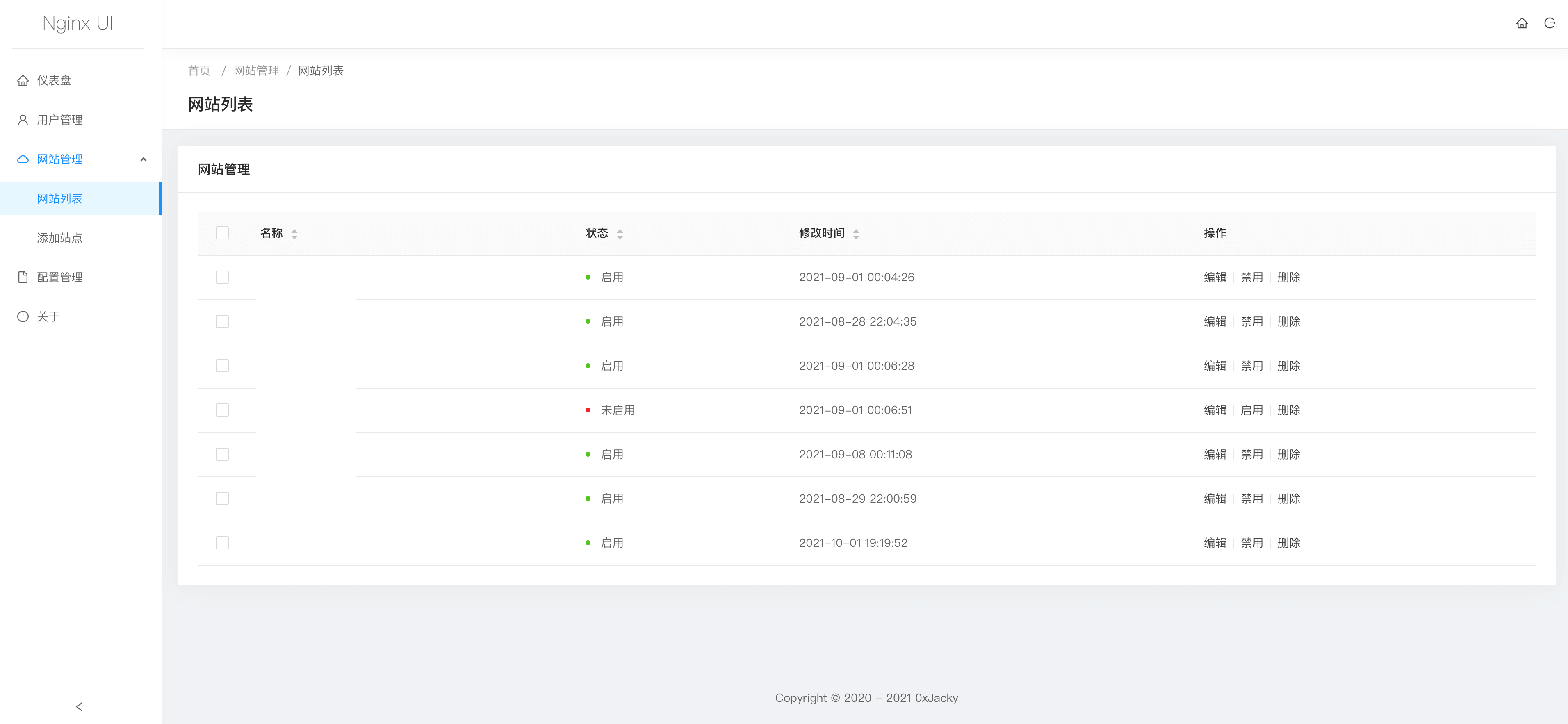
Domains Management
Domain Editor
Configurations Management
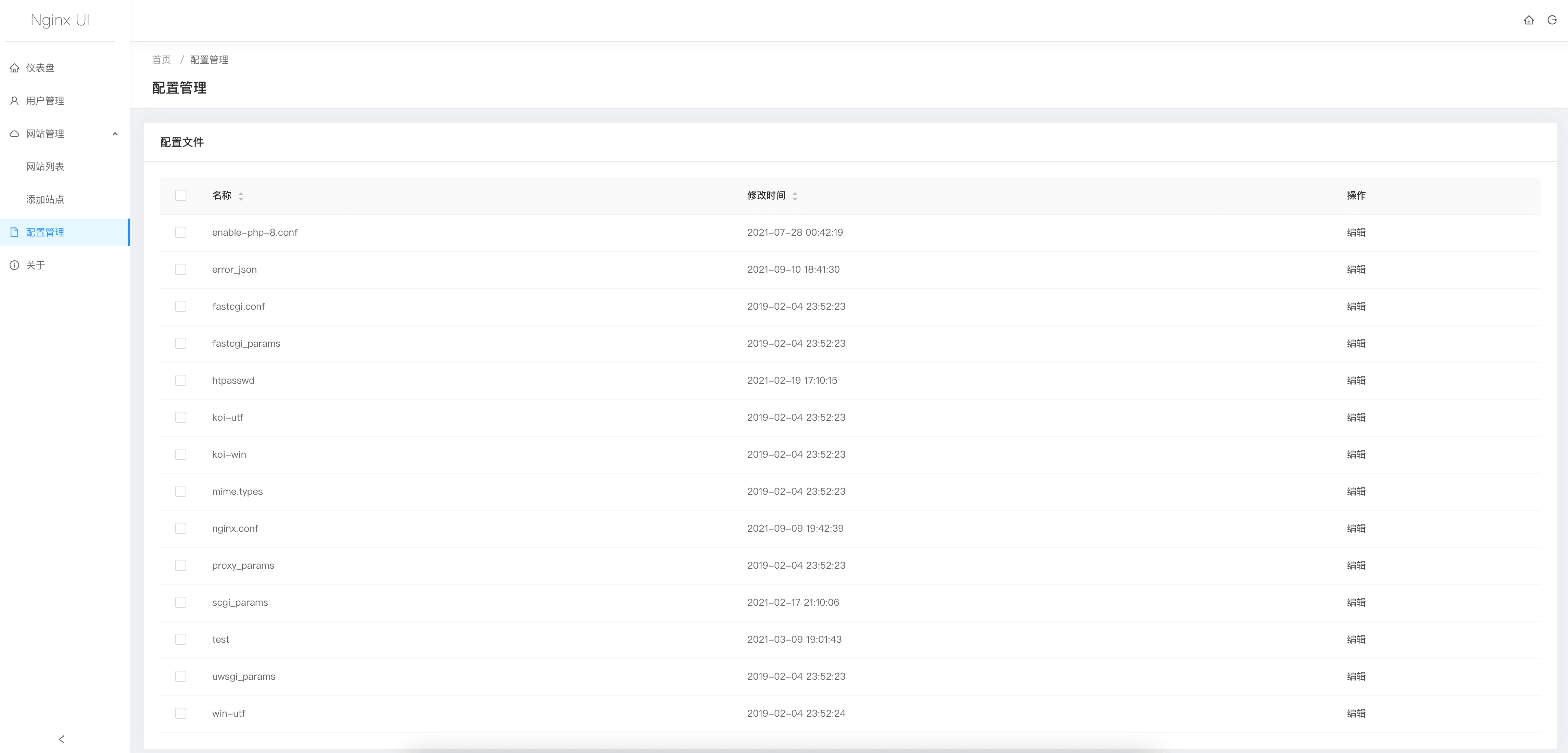
Configuration Editor
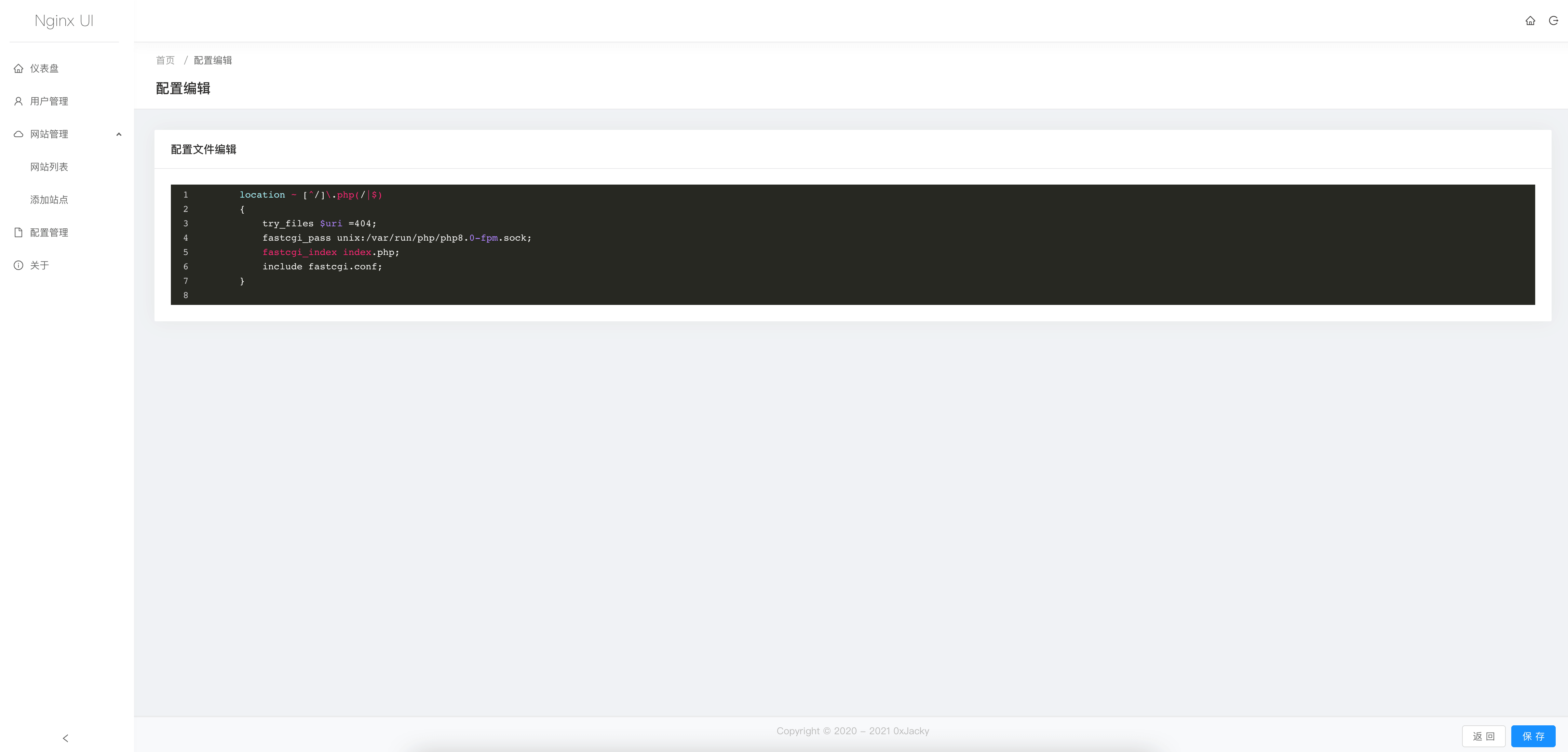
Note Before Use
The Nginx UI follows the Nginx standard of creating site configuration files in the sites-available directory under
the Nginx configuration directory (auto-detected). The configuration files for an enabled site will create a soft link
to the sites-enabled directory. Therefore, you may need to adjust the way the configuration files are organised.
Install
Nginx UI is available on the following platforms:
- Mac OS X 10.10 Yosemite and later(amd64 / arm64);
- Linux 2.6.23 and later(x86 / amd64 / arm64);
- Including but not limited to Debian 7 / 8、Ubuntu 12.04 / 14.04 and later、CentOS 6 / 7、Arch Linux;
- FreeBSD (x86 / amd64);
- OpenBSD (x86 / amd64);
- Dragonfly BSD (amd64);
You can visit latest release to download the latest distribution.
One-click installation shell for Linux
bash <(curl -L -s https://raw.githubusercontent.com/0xJacky/nginx-ui/master/install.sh)
The default listing port set by one-click install shell is 9000
while HTTP challenge port is 9180,
If a port conflict occurs, please modify /usr/local/etc/nginx-ui/app.ini manually,
and use systemctl restart nginx-ui to reload the Nginx UI service.
Once the service start successfully, please visit http://<your_server_ip>:9000/install
in your browser to complete the follow-up configurations.
Example of Nginx reverse proxy configuration
server {
    listen	80;
    listen	[::]:80;

    server_name	<your_server_name>;
    rewrite ^(.*)$  https://$host$1 permanent;
}

server {
    listen	443 ssl http2;
    listen	[::]:443 ssl http2;

    server_name	<your_server_name>;

    ssl_certificate	/path/to/ssl_cert;
    ssl_certificate_key	/path/to/ssl_cert_key;

    location / {
        proxy_set_header Host $host;
        proxy_set_header   X-Real-IP            $remote_addr;
        proxy_set_header   X-Forwarded-For      $proxy_add_x_forwarded_for;
        proxy_set_header   X-Forwarded-Proto    $scheme;
        proxy_http_version 1.1;
        proxy_set_header Upgrade $http_upgrade;
        proxy_set_header Connection upgrade;
        proxy_pass http://127.0.0.1:9000/;
    }
}